
Introducing LocalOps UI Kit: Operator Interfaces Without a Frontend Build Pipeline
On this page
At some point, writing the interface for another local tool starts to feel suspiciously like writing the interface for the last local tool. There are tables to inspect, tasks to monitor, logs to read, dialogs to dismiss, and enough navigation to make it possible to find the thing you opened the application to do. The actual work changes, but a fair amount of the machinery around it does not.
LocalOps UI Kit is my attempt to stop rebuilding that machinery. It has already worked its way into several of my projects, which is also why the fairly literal name is probably going to stick. Naming it again would apparently be another project, and I have enough of those.
Why Another UI Kit?
Fair question. There is no shortage of ways to put a button on a screen, and I am not suggesting the world was waiting for me to invent another one. What I needed was a particular combination: Python-owned UI contracts, browser components I could serve without a frontend build pipeline, terminal renderers where they made sense, and a firm boundary between displaying an operation and deciding what that operation is allowed to do. That is a narrower problem than building a general-purpose web application framework.
I am using the toolkit across different projects, where the same interface mechanics keep appearing around very different work. Sharing those mechanics is useful; dragging one application’s backend assumptions into the next is not. LocalOps UI Kit gives that shared work a home, including the less glamorous bits such as focus recovery and checking whether a control is actually reachable. It will change as those projects exercise it. I would rather evolve one explicit set of contracts than maintain a collection of nearly identical interfaces that slowly disagree with each other.
Python First, Without the Frontend Build Pipeline
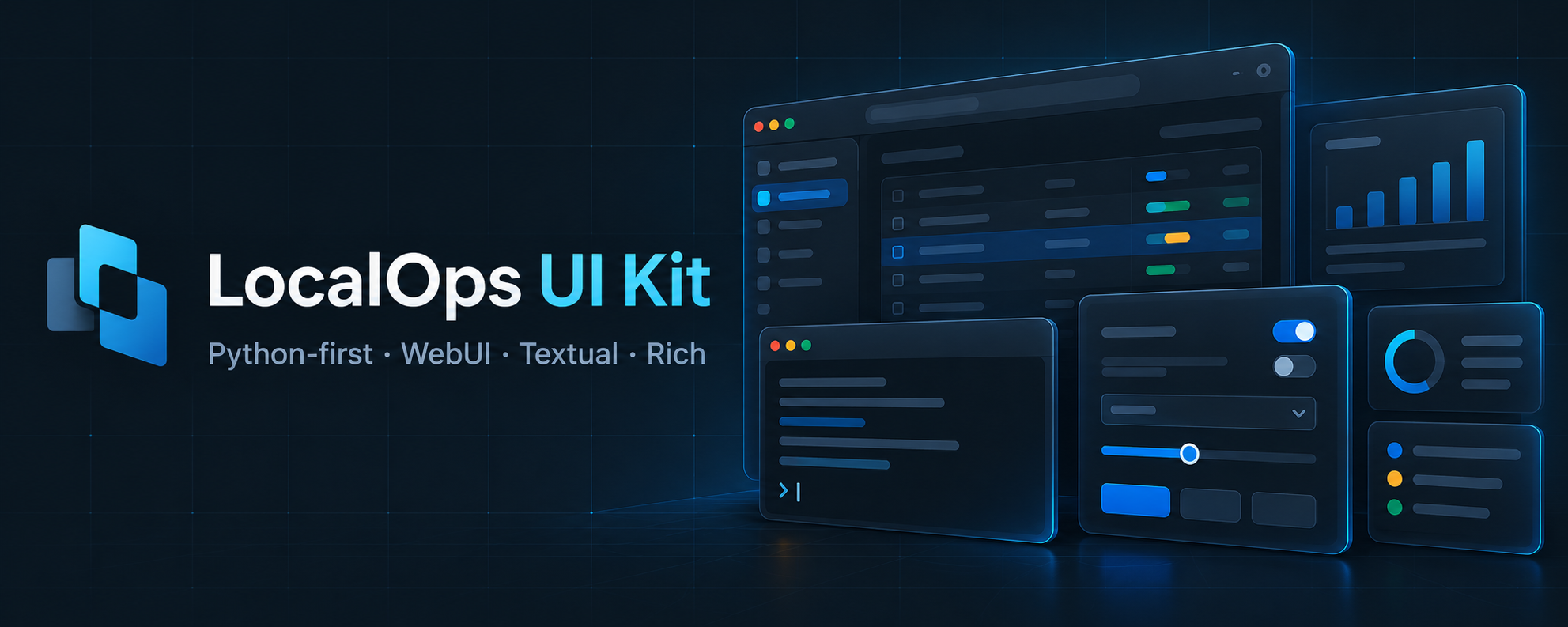
The basic idea is to define shared UI meaning in Python, then present it through a browser WebUI, a Textual terminal interface, or Rich CLI output. Strict Pydantic models own the shared specifications and state contracts. The renderers handle presentation without inventing a different interpretation of the same operation on each screen.
The browser side is ordinary JavaScript ES modules and CSS. A Python application can serve those files directly, and the wheel includes the same browser assets unchanged. There is no npm installation, Node runtime, transpiler, bundler, or frontend framework required by the toolkit. I am not claiming those tools have no purpose; I just do not want a local Python utility to need a second build ecosystem simply to show me a task, a table, and a few controls.
That also makes it possible to try the widget showcase on a static site. The examples use synthetic data and in-memory adapters, so looking around does not require running an application backend, giving a demo access to your filesystem, or trusting a button with a shell command.
The Application Still Owns the Work
The boundary matters more to me than the collection of widgets. LocalOps UI Kit does not own routes, credentials, authorization, filesystem policy, or the meaning of an operation’s result. Those stay with the consuming application, which supplies data and behavior through adapters and callbacks. The toolkit presents what it is given; it does not decide that a failed task is actually fine because the progress bar looks cheerful.
A task monitor can show progress and offer cancellation when the application supplies that capability. It cannot grant permission to cancel a backend job. The draft editor can manage text, bounded undo/redo, and copy or export intents without acquiring authority to overwrite a source file or execute anything. That separation keeps reusable interface code from slowly turning into a second, poorly documented application framework.
The state contracts are explicit too. Snapshots and patches carry revisions, and stale updates are rejected instead of quietly overwriting newer state. For an operator interface, showing the wrong state convincingly is not an acceptable shortcut.
More Than Buttons, Less Than an Application Framework
The toolkit covers layouts and navigation, forms, dialogs, tables, task monitors, logs, and state displays. Direct browser components add a results reader, a draft editor, and a modal content panel. Keyboard navigation, visible focus, dialog focus containment, Escape handling, and focus restoration are part of the component behavior rather than something every application has to remember to add afterward.
There is also a separate localops-ui-testkit package for rendered-layout checks with Python Playwright. It looks for things such as overflow, clipped labels, controls obscured by overlays, and elements that cannot actually be reached or hit. A component returning valid HTML is useful, but I would also like the button to remain on the screen where somebody can press it.
WebUI, Textual, and Rich share a semantic foundation, not a promise of identical interaction. Some terminal presentations use fallbacks, and the direct browser reader, editor, and content panel do not have dedicated terminal counterparts. The capability matrix spells that out. I would rather document the limits than have somebody discover them halfway through an integration.
Where It Stands
Version 0.2.0 is a pre-1.0 public-preview preparation release, with the grouped widget reference, browser showcase, GitHub installation instructions, and MIT licensing in place. It is not a declaration that every application has adopted this revision, every browser has been qualified, or the toolkit is production-ready. Package versions, component API versions, and the manifest schema also have separate version numbers; they describe different contracts.
Python 3.12 or newer and Git are required for the documented installation. The browser toolkit can be installed directly from GitHub:
python -m pip install "localops-ui @ git+https://github.com/unixwzrd/localops-ui-kit.git@main"
Use localops-ui[all] in that command for both optional terminal renderers, [cli] for Rich, or [tui] for Textual. Neither package is on PyPI, and installing the toolkit does not start a server. For a reproducible application baseline, pin a qualified full commit instead of following main indefinitely.
The project page collects the overview and updates. The repository, widget guide, and adoption guide cover the components and integration details. If you just want to see what is there, start with the showcase. The point is to spend less time rebuilding the controls around the work, and more time getting the actual work done.
Join the Discussion
What keeps turning into duplicated UI work in your local tools: task monitoring, tables, navigation, or the glue between them?
Comments for this post live in GitHub Discussions. That keeps moderation in one place and gives the conversation a stable home.