
WebReader for Safari
|
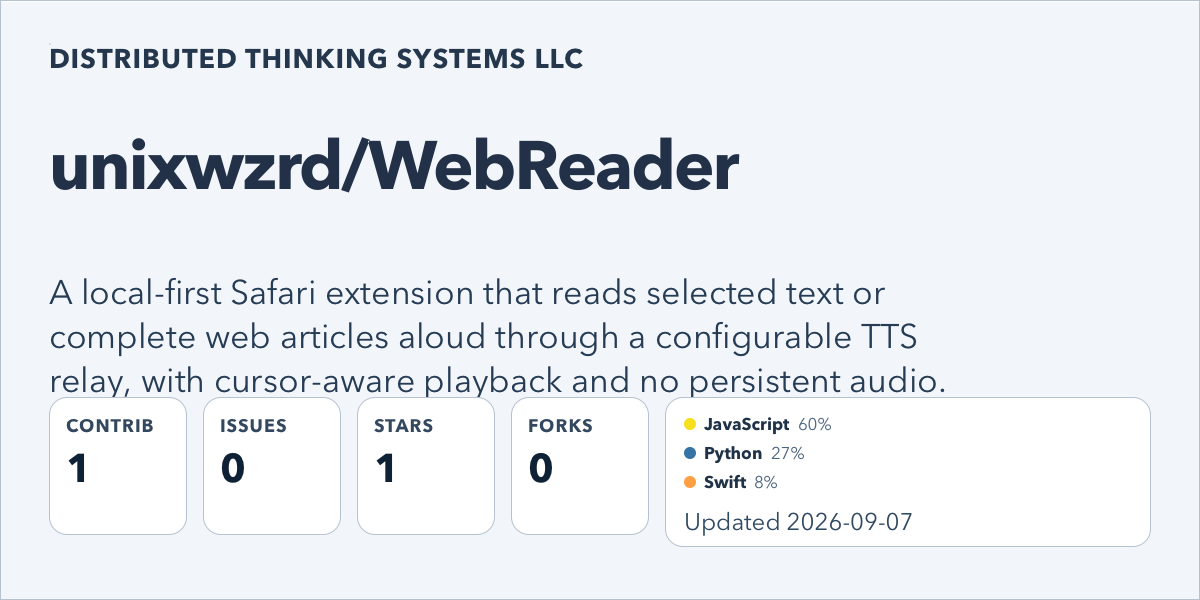
WebReader for SafariA local-first Safari extension that reads selected text or complete articles aloud through your own text-to-speech system. |
Project Blog Entries
-
Introducing WebReader for Safari: Listen to the Web Through Your Own TTS
WebReader for Safari turns selected text or complete Safari articles into temporary speech through a local TTS system that remains under your control.
Listen to the Web Without Handing It Over
WebReader for Safari is a Safari extension that reads selected text, the remainder of an article, or the entire article through a text-to-speech system under your control. I built it because listening to technical writing exposes awkward sentences and changes in voice that my eyes can slide past. Once it worked on my own site, the obvious next question was why I could not use the same tool on everything else I read.
The result is a small reader that follows me around the web without trying to become another browser, another subscription, or another place to store my reading history. I can select a passage and play it, place the cursor where I want narration to begin, or let WebReader for Safari find the main article and start at the top. The floating controls provide Restart, Play, Pause, Stop, and Hide without taking over the page.
What It Does
WebReader for Safari uses Mozilla Readability to locate the article, then removes navigation, advertising, forms, comments, related links, and other page furniture before sending the text for speech. Selected text always takes priority. With no selection, it can begin near the cursor or read the detected article from the beginning.
Playback is temporary. The browser receives synthesized audio through a loopback-only relay, keeps it in memory, and does not save it to disk. On sites whose security policy blocks ordinary blob-based media playback, WebReader for Safari falls back to decoded in-memory Web Audio.
How the Pieces Fit Together
The Safari extension handles selection, article extraction, and playback. A small local relay accepts requests from the extension and passes them to the TTS Bridge managed by LLM-Ops-Kit. The bridge then calls the configured OpenAI-compatible speech engine.
That separation is deliberate. WebReader for Safari does not contain a model, voice, or hosted speech account, and LLM-Ops-Kit does not supply those assets either. You choose the speech engine and voice material, while the bridge gives the browser a stable local interface and the operations layer gives the service a visible lifecycle.
Current State
The current macOS build supports Safari, active-tab permission, selection-first playback, cursor-aware starts, whole-article extraction, temporary audio, and restrictive-site playback fallback. The extension and its Python relay live together in the public repository, while LLM-Ops-Kit remains an installed runtime dependency for the supported TTS path.
WebReader for Safari is still young. It began as a personal proofreading tool, and that practical scope remains useful: make a page speak, keep the controls simple, and leave no pile of generated audio behind after ordinary playback.
Project Links
Project updates appear below as the reader develops.
Join the Discussion
Comments for this post live in GitHub Discussions. That keeps moderation in one place and gives the conversation a stable home.