
extract-chat v0.7.8: More Faithful Transcripts and Portable Archives
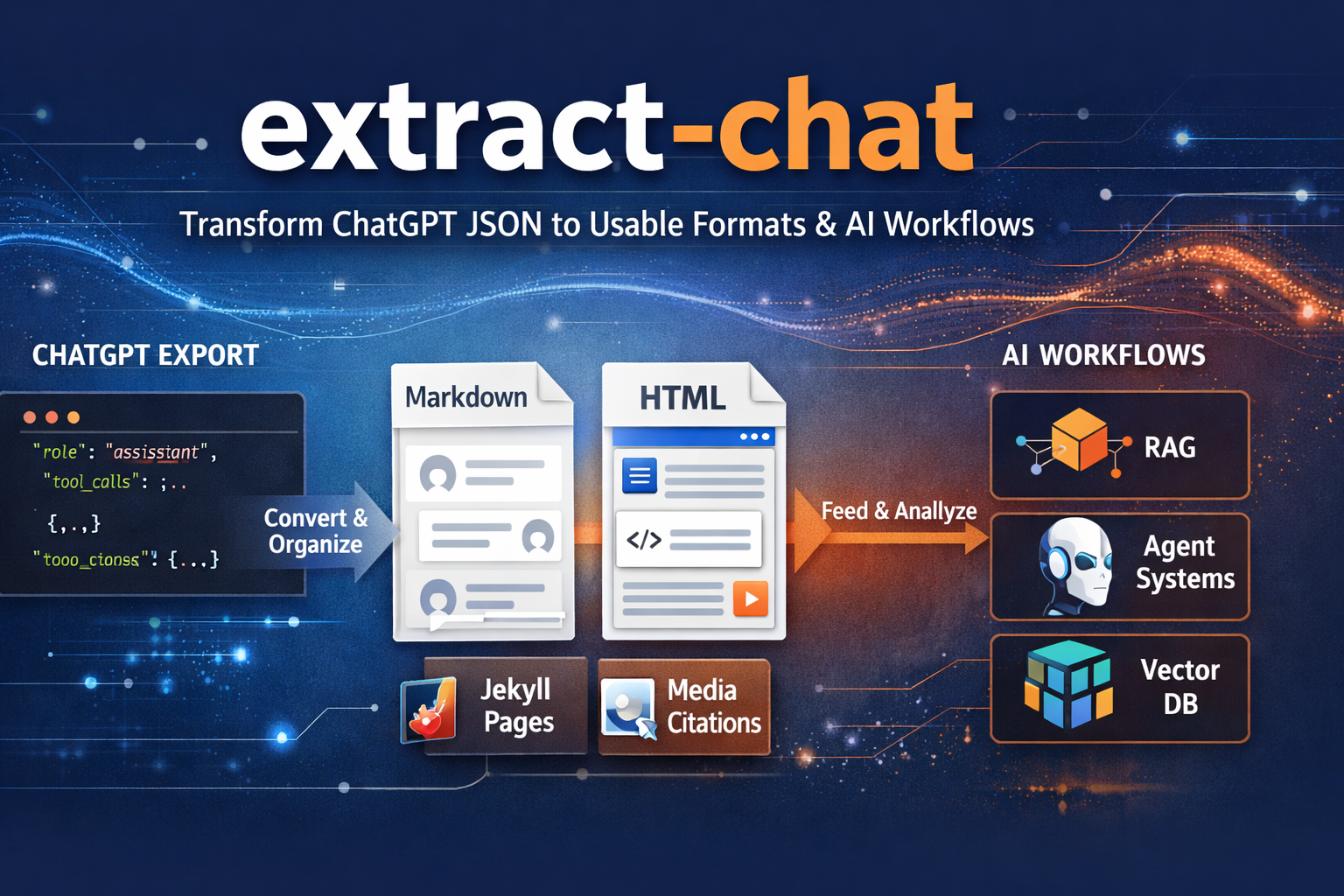
A conversation export is only useful if the resulting transcript tells the whole story and its files still line up after you unpack it. Testing older LogGPT downloads alongside newer ones turned up problems in both areas. extract-chat v0.7.8 brings together the archive and artifact repairs from v0.7.7 with two more fixes for transcript fidelity and dates.
Keep What the Author Actually Wrote
Some messages contain a Sources block or a References heading as part of the author’s own text. That can happen in an ordinary reply, a pasted document, or even code. extract-chat could mistake those headings for one of its generated sections and cut off the rest of the message. Version 0.7.8 preserves the authored text in both Markdown and HTML instead of treating it as a rendering boundary.
Dates Across Older and Newer Exports
Older and newer exports can mix Unix timestamps recorded in seconds and milliseconds. Version 0.7.8 handles both when choosing a conversation’s latest message date and generating a dated output name. If a timestamp falls outside the supported calendar range, it uses an unknown date rather than aborting the export. That keeps a bad date from preventing an otherwise readable conversation from being processed.
Files That Stay with the Transcript
The v0.7.7 repairs are included here too. Some older ZIPs contain UTF-8 filenames without the ZIP flag that identifies them as UTF-8. extract-chat can recover those names when the artifact manifest confirms the intended path; it does not guess at every unusual archive entry. Files whose paths differ only by letter case now receive distinct output names instead of overwriting each other on case-insensitive filesystems. Duplicate extraction destinations are rejected, alongside the existing traversal and symlink protections.
After extraction, Markdown and HTML need links to files that will still exist when processing finishes. extract-chat now copies linked artifacts beside the rendered output even when the input and output share a filename stem. It preserves the artifact directory structure and updates the derived manifest if output paths change, while retaining the original location in archive_relative_path. The source ZIP and JSON are not rewritten.
The boundary between the tools remains the same: LogGPT downloads the conversation and available artifacts; extract-chat turns the local JSON or ZIP into readable Markdown or HTML with links to the preserved files.
Install the tagged release directly from GitHub:
pip install "git+https://github.com/unixwzrd/extract-chat.git@v0.7.8"
See the extract-chat repository for more usage and installation details.
Join the Discussion
Comments for this post live in GitHub Discussions. That keeps moderation in one place and gives the conversation a stable home.