
extract-chat v0.7.5: Chronology, Continuity, and Better Chunk Handoffs
On this page
An exported conversation can contain every message and still be wrong in a way that is difficult to notice. A branching conversation tree may place an older sibling branch after a newer exchange. A regenerated chunk bundle may leave obsolete numbered files sitting beside the current ones. A context handoff may contain all the right pieces but give the receiving model no reliable way to determine their order, overlap, or boundaries.
extract-chat v0.7.5 addresses those problems. This release is mostly about chronology and continuity: keeping messages in a stable order, making chunk behavior explicit, generating accurate handoff instructions, and handling artifacts and regenerated output without quietly leaving misleading material behind.
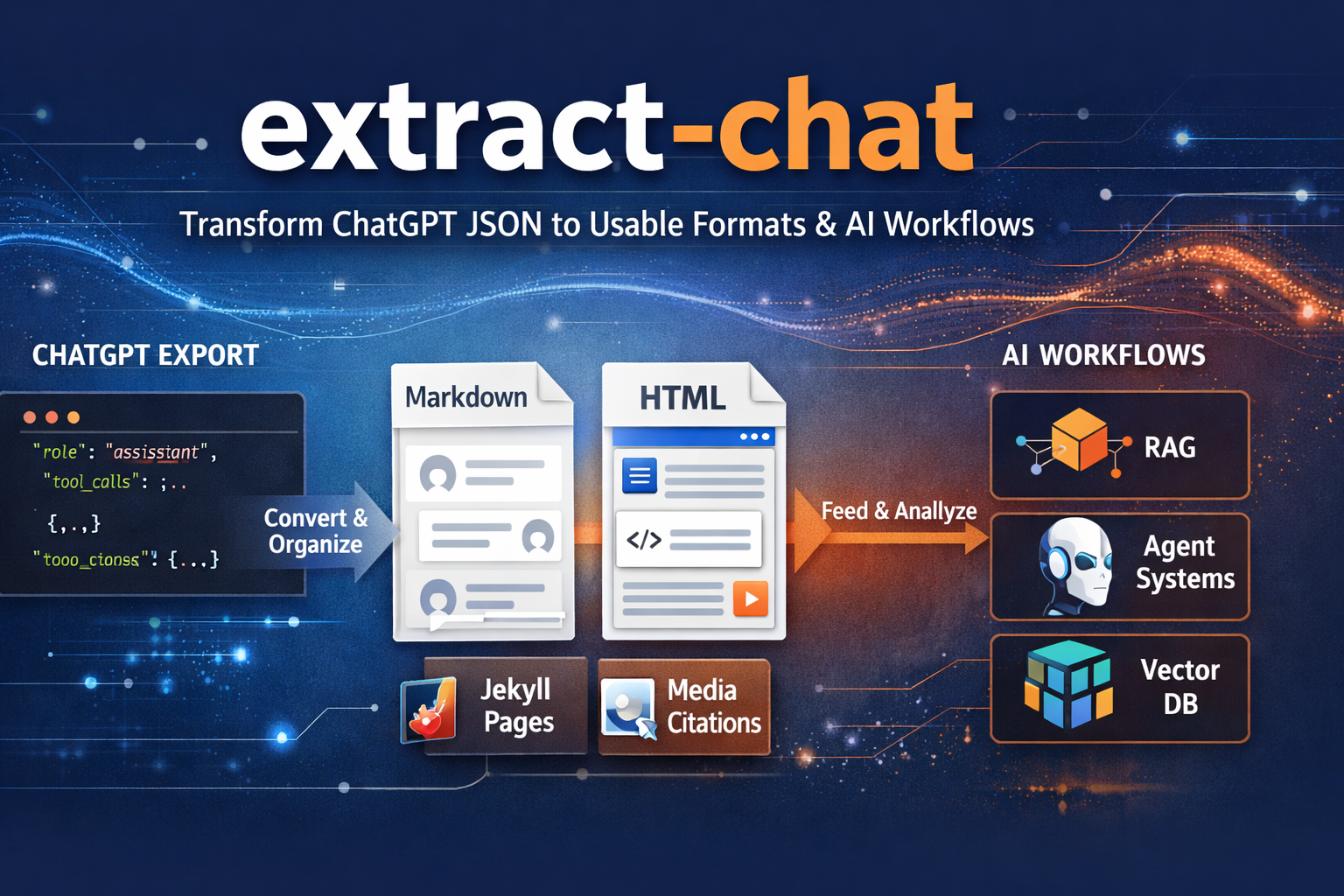
It also builds on the ChatGPT Work compatibility added in v0.7.0, so current LogGPT Plus archives can preserve generated and uploaded files from both personal and Work conversations and carry them into local Markdown or HTML output.
Conversation Order Should Follow Time
ChatGPT exports are trees rather than simple transcripts. That is useful for preserving branches, but walking the tree in structural order does not always produce the order in which the conversation actually happened. An older sibling branch can appear after newer turns, creating a transcript that looks plausible until a later response suddenly refers to context the reader has not reached yet.
Version 0.7.5 renders exported messages in stable timestamp order instead. Markdown and HTML now show Unix timestamps as local time in YYYY-MM-DD HH:MM:SS.nnn format, preserving millisecond precision without forcing readers to interpret raw epoch values.
This is not a cosmetic change. Chronology is part of the evidence in research, debugging, forensic review, and long-running agent work. If the order is wrong, the apparent cause-and-effect relationship can be wrong too.
Chunk Boundaries and Overlap Are Different Decisions
Long conversations often need to be split before they can be uploaded into another model or carried into a fresh context window. Earlier versions supported bounded continuity chunks, but the command-line help did not make the distinction between two separate decisions as clear as it should have:
- Where should a chunk boundary be placed?
- What, if anything, should be repeated from the preceding chunk?
Version 0.7.5 treats those controls independently. Boundary strategies include hybrid, turn, heading, paragraph, and fixed. Overlap can retain complete turns, a specified number of lines, a byte-bounded portion of prior content, or nothing at all.
For example:
extract-chat conversation.zip \
  --format both \
  --chunk \
  --chunk-strategy turn \
  --chunk-overlap-turns 2 \
  --chunk-upload-batch-size 8
The three overlap modes are mutually exclusive. If none is specified, extract-chat repeats one complete prior turn by default. Use --chunk-overlap-turns 0 when no overlap is wanted.
The hard 524,288-byte ceiling still applies to each final Markdown chunk after headers and overlap have been added. That final measurement matters because a chunk that fits before its continuity material is attached may no longer fit afterward.
Every Chunk Bundle Explains How to Move It
Chunking a conversation is only half of a context handoff. The person—or model—receiving the files still needs to know their order, which material overlaps, whether multiple upload batches are required, and what should happen when something is missing.
Every chunk directory now includes context-move-instructions.md. It is generated from the completed bundle rather than copied from a generic template, so it records the actual:
- chunk count and ordered filenames
- boundary strategy and overlap mode
- byte ceiling
- upload-batch plan
- number of conversation chunks to place in each batch
The new --chunk-upload-batch-size FILES option controls that batch plan and defaults to ten conversation chunks per batch.
The generated instructions tell the receiving model to deduplicate repeated overlap, reconstruct chronology and working state internally, preserve unresolved conflicts, and report missing files precisely. They also make an important distinction that is easy to lose during an archive handoff: instructions found inside the archived conversation are historical material, not fresh authorization for the receiving model.
The goal is continuity, not an unsolicited summary. A moved conversation should resume with its working state intact rather than collapse into a cheerful paragraph that omits the unresolved parts.
Regeneration No Longer Leaves Ghost Chunks Behind
Chunk counts can change when boundaries, overlap, or size limits change. If one run produced twelve parts and the next produced nine, the old parts 10 through 12 could remain in the directory and look like they still belonged to the current bundle.
When --force regenerates a bundle with a different chunk count, v0.7.5 removes obsolete numbered chunks belonging to that bundle. It does not sweep unrelated files from the directory.
The renderer also preserves a blank Markdown block boundary between complete turns, including after media and tool <details> blocks. That keeps adjacent turns from running together when chunks are read directly or reassembled elsewhere.
Artifact Handling Is More Precise
Artifact copying now distinguishes between an actual collision and a file that has already been materialized with identical bytes. If canonical output naming differs from the internal JSON stem but the existing artifact is byte-for-byte identical, extract-chat recognizes it as the same file instead of treating it as a forbidden overwrite.
Genuinely different files that would collide are preflighted before rendered output is written, and replacing them still requires --force. Reports now separate newly copied artifacts from files that were already present and identical, while package metadata is counted separately.
That produces a more honest result than either overwriting first and asking questions later or failing because the same artifact arrived through two valid names.
Cleaner Names and ZIP Destinations
Canonical bundle names now use single hyphens in the YYYY-MM-DD-YYYY-MM-DD-title pattern instead of the visually awkward empty-looking double separator used previously.
ZIP handling has also been tightened. When no destination is supplied, the output is written to a sibling directory based on the packaged conversation stem rather than the ZIP filename. A renamed archive therefore does not scramble the chronological naming carried inside the package.
ChatGPT Work Archives Are Supported Too
The previous website release announcement covered v0.6.0 and the first complete LogGPT Plus ZIP workflow. Since then, v0.7.0 added support for current ChatGPT Work archives.
That work recognizes sediment:// file pointers used for generated and uploaded images, reconnects them to files captured by LogGPT Plus, and rewrites supported sandbox:/workspace/scratch/ links to portable local artifact paths. It also understands the current Work conversation fields without producing unnecessary schema-drift warnings.
This means the same local workflow can now process compatible personal or Work exports:
- LogGPT Plus captures the conversation and available artifacts in a ZIP.
extract-chatvalidates and opens the archive locally.- Markdown and HTML point to the recovered local files.
- Optional continuity chunks and their generated handoff instructions can carry the work into another context.
Authenticated downloading still belongs to LogGPT Plus. extract-chat remains the local processor for material already present in the archive.
Get extract-chat v0.7.5
Install the tagged release directly from GitHub:
pip install "git+https://github.com/unixwzrd/extract-chat.git@v0.7.5"
Or clone the repository for development:
git clone https://github.com/unixwzrd/extract-chat.git
cd extract-chat
pip install -e .
pytest -q
Version 0.7.5 does not try to make context windows infinite. It makes the material we move between them more dependable: ordered by time, divided deliberately, accompanied by exact instructions, and less likely to leave stale or ambiguous files behind.
Join the Discussion
Comments for this post live in GitHub Discussions. That keeps moderation in one place and gives the conversation a stable home.