
extract-chat v0.6.0: From LogGPT Plus ZIP to a Usable Local Archive
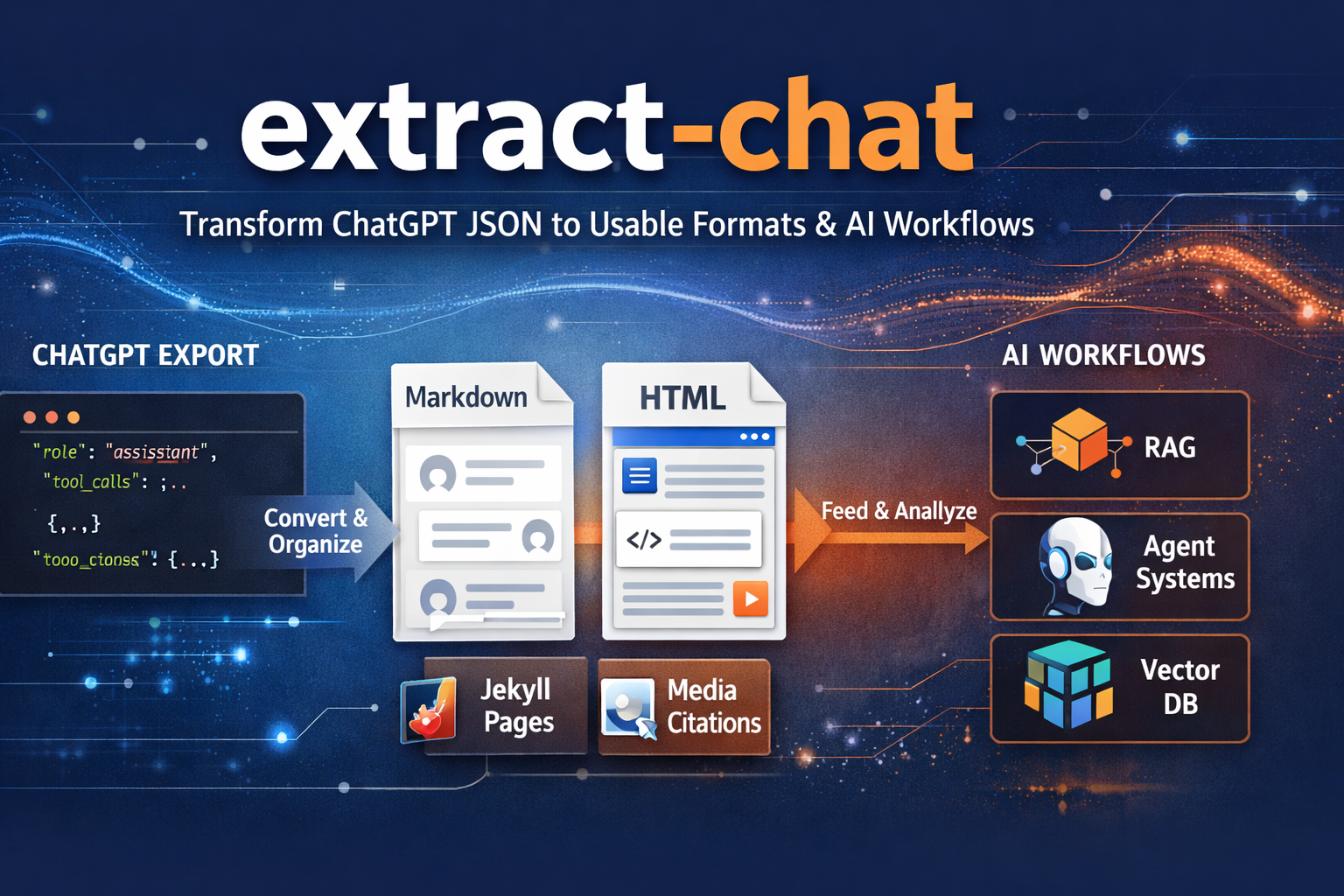
A useful ChatGPT conversation is rarely just text. It may include generated images, uploaded documents, spreadsheets, audio, source archives, and other files that gave the discussion its context. LogGPT Plus can preserve those materials with the conversation in a ZIP archive. extract-chat v0.6.0 can now take that archive apart safely and turn it into something readable, portable, and useful.
The original JSON workflow remains available. You can still give extract-chat a standalone conversation export and produce Markdown or HTML. Version 0.6.0 adds the other half of the workflow: pass it a LogGPT Plus ZIP and it will extract the conversation, organize the preserved artifacts, and rewrite output links to prefer the local copies.
That closes an important gap between capturing a conversation and building a durable local archive from it.
One Input, a Complete Local Result
The same positional input now accepts either a conversation JSON file or a LogGPT Plus archive:
extract-chat conversation.zip \
  --output-dir exported \
  --format both \
  --emit-tsv \
  --chunk
For a ZIP input, extract-chat finds the conversation JSON, copies generated, uploaded, and derived artifacts into a conversation-named output directory, and produces Markdown, HTML, or both. Links in those documents prefer the recovered local files instead of remote or temporary locations.
The output uses a canonical start--end--title name so the transcript, artifact directory, and optional chunks stay together. That makes an archive easier to recognize later and avoids accumulating unrelated files under ambiguous names such as conversation.json or export.md.
ZIP Handling Has to Be Defensive
An archive is not just another filename. Its members can contain absolute paths, attempts to traverse outside the destination, or symbolic links that point somewhere the archive should not be allowed to write.
Version 0.6.0 rejects those cases before extraction. A LogGPT Plus ZIP is processed locally, but local processing still needs a clear filesystem boundary. The archive should be able to populate its own export directory—not choose arbitrary destinations elsewhere on the machine.
This is deliberately an ingestion tool, not a downloader. Authenticated recovery of ChatGPT media remains LogGPT Plus’s job. extract-chat works with the JSON and artifacts already present in the supplied archive.
Keep the Original Artifact
Downloaded files remain ordinary files in the archive. extract-chat does not convert a spreadsheet, CSV, TSV, image, or document into a replacement format and discard the original.
Small parseable CSV and TSV artifacts may also be displayed as tables in the rendered conversation, while their original download links remain available. The --emit-tsv option derives a TSV from an embedded table only when a matching downloaded table artifact is not already present.
That distinction matters for archival and forensic work. A rendered preview is convenient, but it is not a substitute for the source artifact.
Markdown and HTML Together
The new --format both workflow creates readable Markdown and HTML from the same conversation in one run. References, citations, tool activity, and local artifact links remain part of the output rather than being flattened into an incomplete transcript.
The result can serve several different purposes without requiring another export:
- browse the HTML as a readable local record
- keep the Markdown with project notes or documentation
- index structured text in a local search or RAG pipeline
- carry selected portions forward into another AI or agent session
- retain the original JSON and artifacts for later reprocessing
Continuity Chunks With a Hard Size Limit
Long conversations often need to be divided before they can be uploaded or reused elsewhere. Splitting on an arbitrary byte boundary can cut through a turn and strip away the context needed to understand the next section.
The new chunking workflow defaults to conversation-turn boundaries and can repeat one turn of overlap between adjacent chunks. Final Markdown parts are measured after headers and overlap are added, and no part may exceed 524,288 UTF-8 bytes. Optional controls allow limits based on bytes, lines, or estimated tokens, along with turn, line, or byte overlap.
This does not make context windows infinite, but it produces far more deliberate handoff material than mechanically slicing a large Markdown file.
A macOS Front End Is Taking Shape
Version 0.6.0 also includes the initial native macOS front end under macos/ExtractChatApp. It provides file selection for JSON or ZIP input and exposes common export controls without requiring every user to assemble a command line.
The command-line tool remains the primary public interface today. The macOS application still needs a separately built and signed helper before it can be distributed through the App Store, so this release should not be read as an App Store launch for ExtractChatApp.
LogGPT and extract-chat Now Meet at the Archive Boundary
LogGPT 1.2.0 and LogGPT Plus preserve the conversation and selected artifacts in one local ZIP. extract-chat 0.6.0 consumes that ZIP and turns it into a readable archive whose documents point back to those preserved files.
The boundary between the two tools is intentional:
- LogGPT captures the conversation and authenticated artifacts from ChatGPT.
- The ZIP becomes a durable local handoff package.
extract-chatvalidates and extracts that package.- Markdown, HTML, artifacts, and optional continuity chunks remain under your control.
No hosted conversion service is required, and the source archive remains available if the renderer improves or the export schema changes later.
Get extract-chat v0.6.0
Install the current code directly from GitHub:
pip install "git+https://github.com/unixwzrd/extract-chat.git"
Or clone the repository for development:
git clone https://github.com/unixwzrd/extract-chat.git
cd extract-chat
pip install -e .
pytest -q
If you use LogGPT Plus to preserve more than the transcript, extract-chat 0.6.0 is the next step: from one ZIP to a local archive you can read, search, reuse, and keep.
Join the Discussion
Comments for this post live in GitHub Discussions. That keeps moderation in one place and gives the conversation a stable home.