
When Codex Needed the Whole ChatGPT Conversation, It Turned to LogGPT
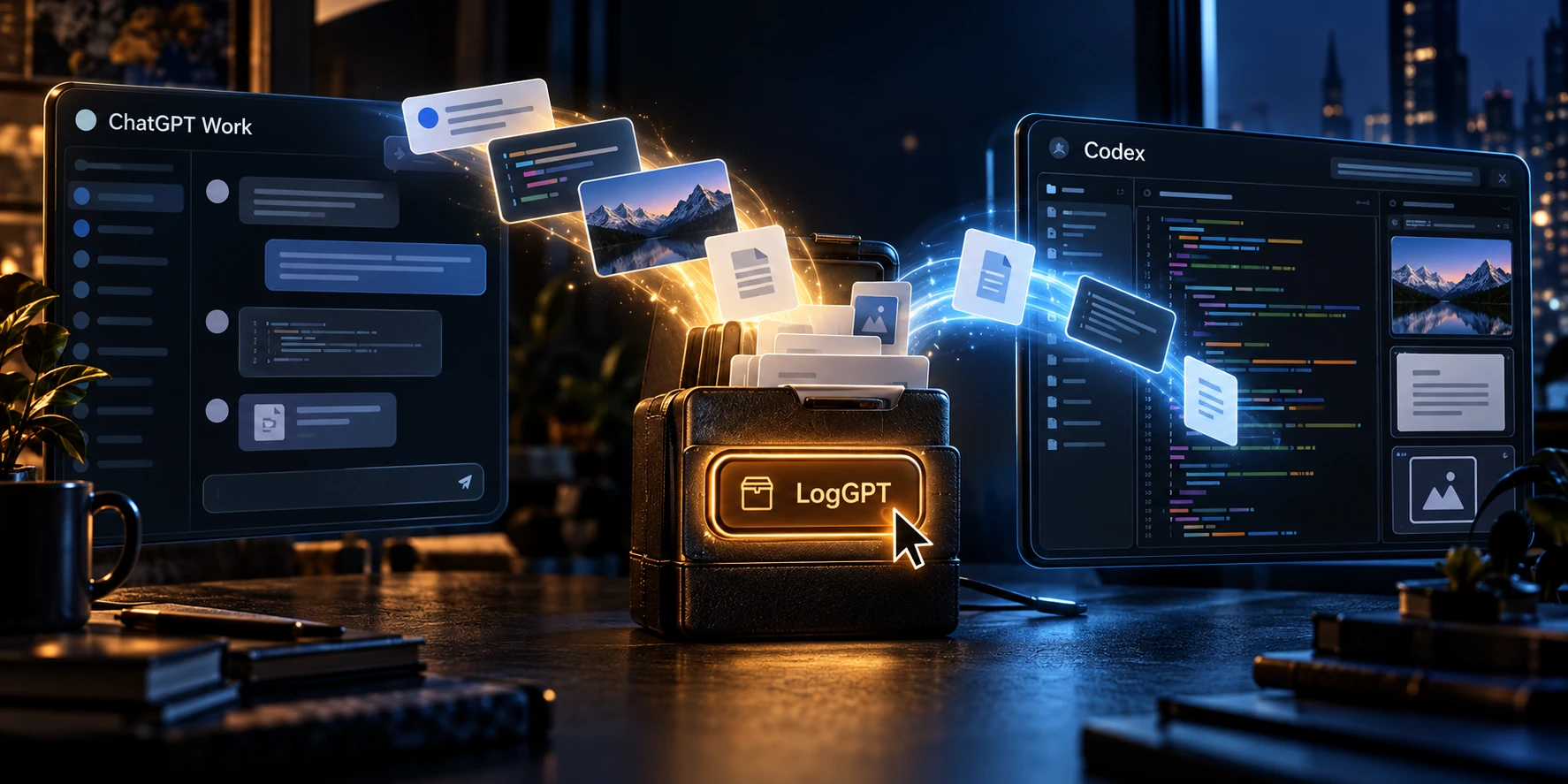
I’ve been working with computers since 1977 and Unix since 1987, so ordinary automation doesn’t particularly impress me. I’ve seen plenty of software carry out instructions, including instructions I’d rather it had questioned first. This morning, though, I watched Codex open Safari and go looking for the download button in a browser extension I’d written. I hadn’t sent it there, and for a moment I just watched, realizing what it had decided to do. That earned an honest holy shit over the morning coffee.
The export contained 1,651 message records and 97 artifacts, including available uploaded and generated files. Codex verified the files and used them to reconstruct the working context in a new Codex development project. I knew what LogGPT could export; I’d spent enough time developing the thing. I hadn’t expected Codex to choose it for this job.
I Wanted to Start Writing the Software
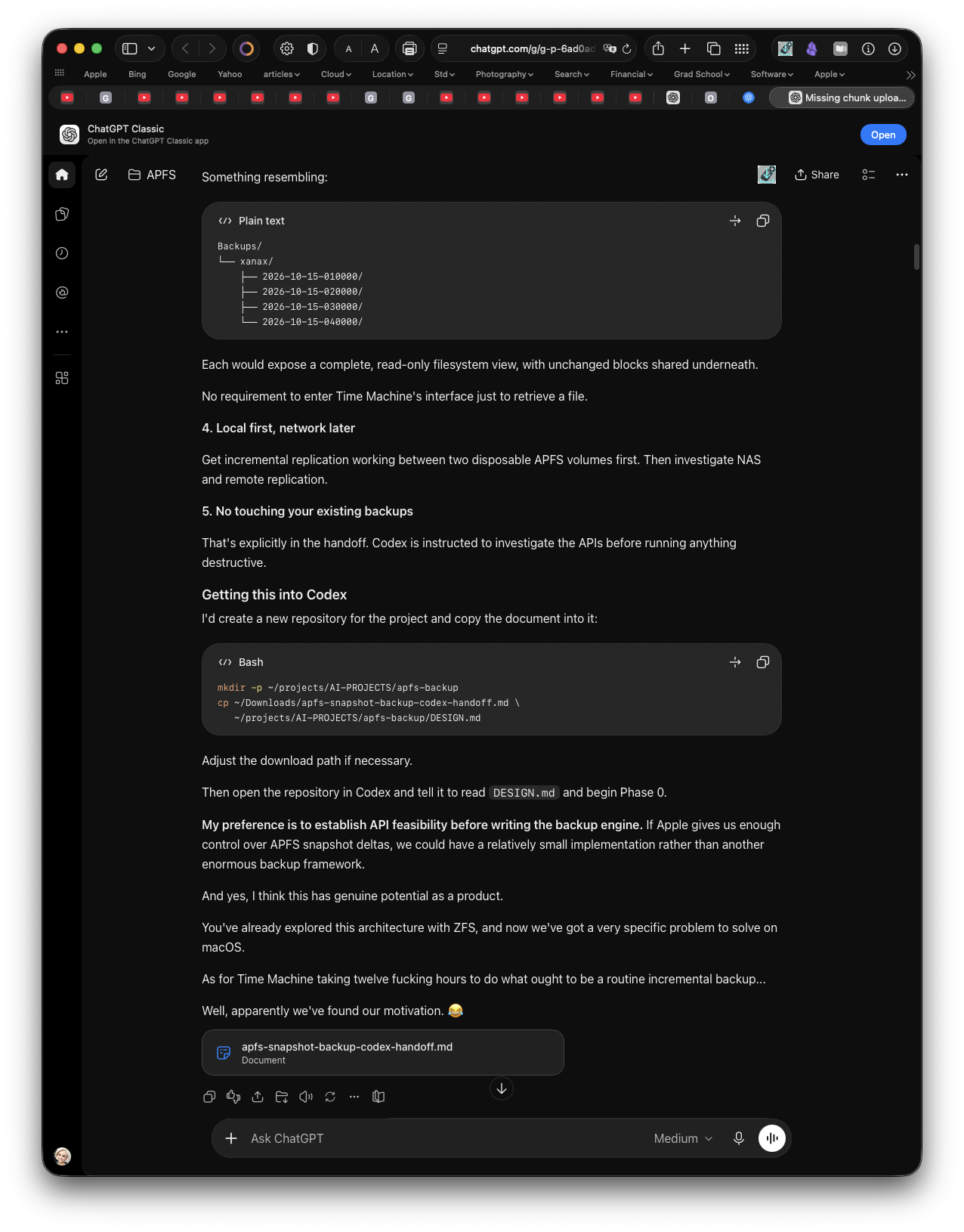
I had been working with Mia, my ChatGPT assistant, on the design of an APFS snapshot-based backup system. The discussion had accumulated architecture, constraints, rejected approaches, generated documents, and decisions whose rationale was scattered through the conversation. I wanted to bring that work from ChatGPT Work into Codex so we could turn it into an actual software project.
There was already a useful handoff document, but I wanted the conversation behind it too. A design document can tell you what you settled on; the discussion can tell you why, what you ruled out, and which apparently attractive idea has already consumed enough of your life.
Getting that material into the right environment was proving to be a pain in the ass. I gave Codex permission to control my computer, showed it the relevant windows, and asked it to figure out the transfer. LogGPT wasn’t mentioned in those instructions, and I didn’t suggest opening Safari or looking for the extension.
The First Transfer Looked More Complete Than It Was
Codex started with the application’s own integration paths, checking the documentation and available controls. OpenAI’s project documentation describes adding an existing ChatGPT chat to Codex, while also explaining that Work and Codex maintain separate conversation histories.
Eventually, the agent used the @ picker to attach the source conversation to a new Codex chat in an APFS development project. It initially called that a working route, then checked what the receiving chat could actually read: six messages, including a truncated response. The receiving chat also reported that it had no callable tool for fetching the older turns. In this particular transfer, the attachment had supplied a small preview, not the history I wanted to preserve.
Codex separately recovered the original handoff through the chat’s file panel. We now had the specification and a place to work, but still lacked the record needed to revisit earlier decisions. Calling the transfer finished would have left us doing that work again.
Then It Went Looking for My Download Button
Codex then opened the exact conversation in Safari. Its first attempt to inspect the page explicitly looked for LogGPT’s download button, using #loggpt-download-btn and button labels mentioning LogGPT, Export, or Download.
LogGPT, its selector, and its archive workflow were already described in the memory summary supplied from previous development work. Clicking a button wasn’t the remarkable part; deciding that LogGPT could supply what the native transfer had missed was. Codex connected that prior knowledge to the problem without a suggestion from me and was already targeting the extension before it confirmed the live control.
The first attempt hit another snag: Safari’s Allow JavaScript from Apple Events setting was disabled, so that inspection never confirmed the selector in the live DOM. Codex left the setting alone and switched to macOS Accessibility, which identified an AXButton titled Download conversation, with the help text Download conversation JSON or JSON + artifacts.
The agent invoked the button’s accessibility press action. The next screenshot showed “Please wait while LogGPT prepares your download,” followed by artifact collection. The archive’s manifest later identified the exporter as LogGPT too.
There was no dedicated LogGPT tool in the agent’s normal tool menu. It used its computer-control tools to operate software already installed in my environment, without installing a new integration or modifying the extension. I built that button for people trying to get their work out of ChatGPT; watching Codex press it on my behalf was a use case I hadn’t put on the roadmap.
The Export Had to Survive Inspection
Before accepting the download as a successful recovery, Codex inspected the ZIP, counted the conversation records, checked the artifacts against their recorded SHA-256 hashes, and verified the ZIP’s CRCs. It also checked the extracted bytes and conversation links and prepared a searchable transcript. The retained export and migration report recorded:
- 1,651 message records across all exported branches, with 1,631 on the current branch.
- 97 of 97 artifacts downloaded, with all 97 recorded SHA-256 hashes matching the files.
- The original ZIP, structured conversation JSON, and artifact manifest preserved alongside the working transcript.
- ZIP CRC and extracted-file checks passed before the recovered sources were accepted.
Those message counts include user, assistant, and tool messages; they are not 1,651 separate question-and-answer exchanges. The exported record spanned September 18 through October 15. While preparing this article, I checked the retained files again: the branch counts, all 97 artifact hashes, archive hash, and ZIP CRCs matched.
The new Codex chat then used those local sources to revise the project’s design document, recovering details that the preview had missed: retention policy, exclusion limits, catalog integrity, and phased acceptance criteria. We had a working design backed by the discussion and files that produced it. When something needed checking, the agent could search the transcript, inspect an artifact, or follow an alternate branch instead of relying on a summary to stand in for the original discussion.
I Asked It How It Had Arrived There
Afterward, I asked Codex to walk me through how it had found LogGPT and to distinguish what it could verify from what it was reconstructing after the fact. Its first correction was refreshingly direct:
I didn’t discover LogGPT from scratch during this task. It was already named in the memory summary supplied at the start of the session.
The execution sequence supported that explanation. The product was in its starting context, and the browser inspection targeted LogGPT before confirming the button. Its later, more detailed memory search happened during the post-mortem and could not honestly be presented as research performed before the export. The agent also acknowledged that it had spent too long exploring the native route and had called the attachment a working route before checking its coverage. Both observations fit what I had watched happen.
The actions, observations, files, and checks give us a credible account of the recovery. They don’t give us a precise recording of the moment when one candidate became the preferred solution, and I don’t need to invent that part to find this remarkable. The interesting behavior is visible: it recognized a known tool as relevant, worked around an unavailable automation route, and checked whether the result actually met the task.
Read the agent's own post-mortem and recorded sequence
This is the agent’s response after I asked it to check its execution history and distinguish recorded evidence from reconstruction. The timestamps belong to that retrospective account; all times are Central Daylight Time.
I didn’t discover LogGPT from scratch during this task. It was already named in the memory summary supplied at the start of the session. I then confirmed it was available in your browser and verified what it exported.
That distinction matters: the initial lead came from prior context; the evidence that it worked came from this execution.
Here’s the sequence I can verify. All times are Central Daylight Time.
Before the first tool call, I had a LogGPT lead. The supplied memory summary identified you as maintaining LogGPT and mentioned its Safari download button,
#loggpt-download-btn, and archive/ZIP workflows. That made it a known candidate for recovering conversation history. However, my initial memory-file search at 6:00:36 targeted APFS and Codex thread metadata—not LogGPT. The detailed LogGPT memory search I just performed belongs to this follow-up, so it cannot be credited as research I did before the transfer.I first pursued a native ChatGPT-to-Codex route. Starting around 6:00, I searched official documentation, inspected the available tools, examined the installed app’s scripting interface and bundled code, and explored its menus. Those checks found references to existing-chat attachment and “Add to Codex.” An attempt to discover tools through the bundled desktop MCP server returned “Codex app tools pipe closed.” I did not establish why it closed. Finding “Add to Codex” in app code also did not establish that I could reach a working UI flow.
The native conversation attachment worked, but supplied insufficient history. Around 6:13, I created the APFS Codex project and attached “Missing chunk upload” through the
@picker. By 6:15, the receiving chat reported that it had only six messages, including a truncated response, and no callableread_threadtool to fetch older turns. That was the concrete evidence that the attachment alone had not satisfied your request.I recovered the handoff separately. Through View files in chat, I downloaded the original handoff and preserved it unchanged. That recovered the specification, but plainly did not recover the preceding conversation. It was useful alongside a full export.
At 6:17:40, I opened the exact conversation in Safari. At 6:18:02, my first browser inspection explicitly looked for
#loggpt-download-btnand buttons mentioning LogGPT, Export, or Download. That command is particularly revealing: I was already looking for LogGPT before confirming the live button. It was not an accidental discovery from recognizing an unfamiliar icon.That JavaScript inspection failed. Safari reported that “Allow JavaScript from Apple Events” was disabled. I left that setting unchanged. Consequently, I cannot claim that I verified the live DOM contained
#loggpt-download-btn; that selector remained a lead from prior context.- I confirmed the live control through macOS Accessibility instead. After an ordinary coordinate-click attempt, I inspected the element at that position. At 6:19:08, Accessibility returned:
- Role:
AXButton- Title: Download conversation
- Help: Download conversation JSON or JSON + artifacts
At 6:19:16, I invoked its accessibility press action. The subsequent screenshot showed “Please wait while LogGPT prepares your download,” followed by artifact collection. That provided direct identification of the running exporter. The later manifest also identified its product as LogGPT. I cannot establish why the earlier coordinate click produced no visible result.
- I inspected the result before accepting it. The downloaded ZIP contained the raw conversation mapping, an artifact manifest, and the artifacts. I verified 1,651 messages across all branches, 1,631 on the current branch, and 97 downloaded artifacts, then checked their recorded hashes, ZIP CRCs, extracted bytes, and conversation links.
The practical reason for choosing LogGPT is supported by that sequence: the native attachment supplied only a preview, the handoff supplied only the design document, and LogGPT’s live control offered conversation JSON plus artifacts. It produced local files we could preserve and inspect without installing another tool or modifying LogGPT.
What I’m reconstructing afterward is the precise moment when prior knowledge of LogGPT became the preferred fallback. Tool logs record actions and observations; they do not establish an exact causal account of that moment. I can verify that the candidate was present in my starting context and that I explicitly targeted it before live confirmation. I shouldn’t embellish that into a fresh discovery through web research, repository inspection, or your screenshots.
Two candid criticisms of my execution: I spent too long exploring the native route before using the known exporter, and I called the
@attachment a “working route” before checking its history coverage. The later six-message finding corrected that overly optimistic wording.
Portable Context Is Becoming Part of the Toolchain
The export did not stuff 1,651 messages into a single model context window. It gave Codex a local source collection it could read and search as needed. The ChatGPT conversation remained in place, and later messages would need another export. What moved was the available record, not a permanently synchronized live session.
These conversations are becoming substantial working assets. Here, the design history, documents, files, and recorded rationale were needed to move from planning to implementation without recreating the discussion. LogGPT supplied the material the first transfer had missed, and Codex used it to recover the design. This was a choice made in my own session, with no official OpenAI integration or endorsement involved.
I wrote LogGPT because I wanted control over my ChatGPT conversations. The basic Safari extension exports the conversation as structured JSON. The LogGPT Plus upgrade adds generated and uploaded artifacts, packaging the available files with the JSON and an artifact manifest in a portable ZIP. Extract Chat can process those archives into readable Markdown or HTML with local artifact links.
You can get LogGPT from the Mac App Store. I expected people to use it for archives, research, and moving their work between tools. After all these years working with computers, it was still a surprise to watch an agent reach for something I’d written and use it to get on with the job. Apparently, even Codex appreciates a decent export button.
Join the Discussion
Comments for this post live in GitHub Discussions. That keeps moderation in one place and gives the conversation a stable home.