
Introducing Extract Chat
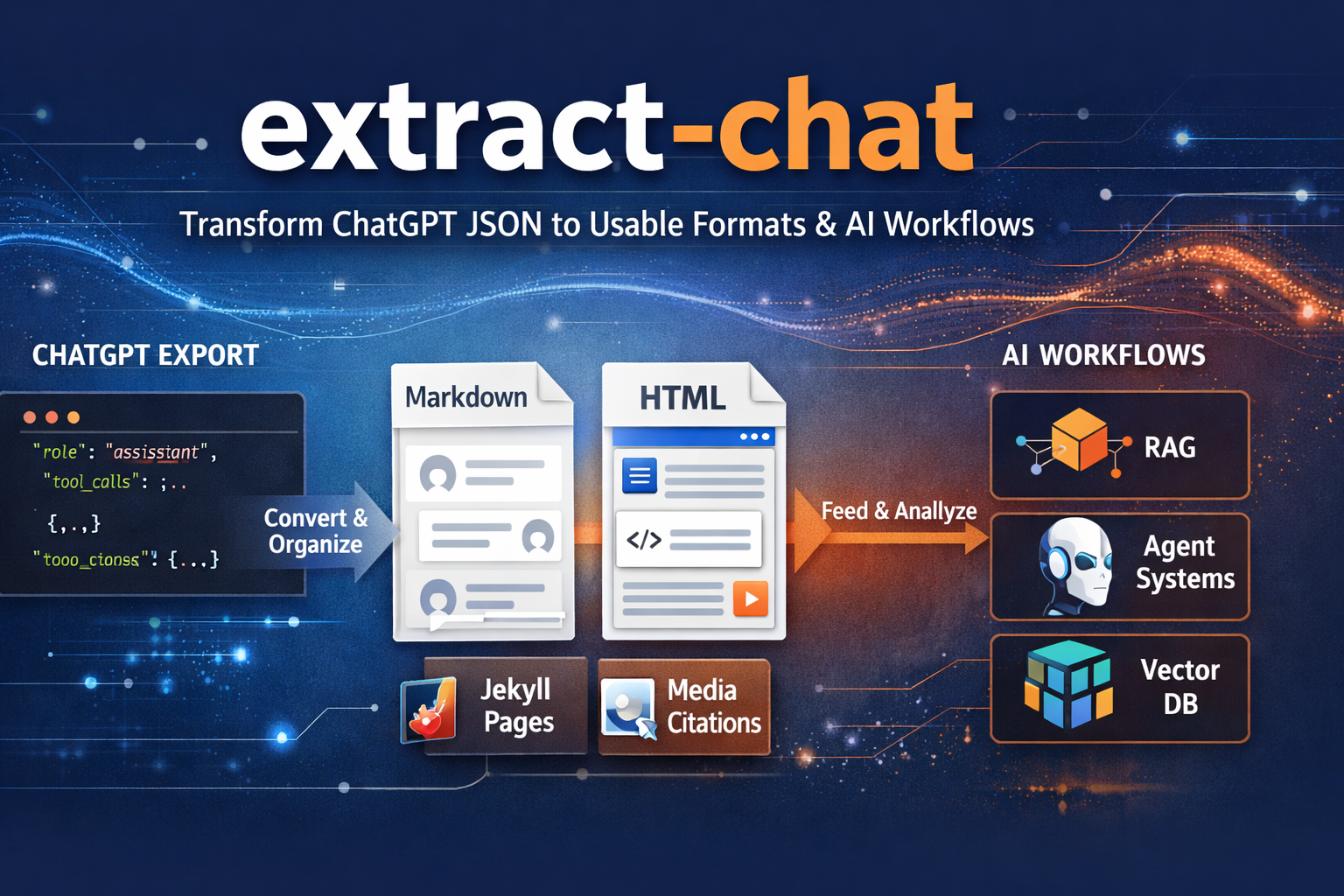
If you have ever downloaded a ChatGPT conversation as JSON, stared at the file for a second, and thought, “Okay… now what exactly am I supposed to do with this?” then you already understand why extract-chat exists.
The raw export is full of useful material, but it is not something most people actually want to read. It is not especially pleasant to browse, not something you would hand to another person, and not the sort of thing you want to drop directly into a writing workflow, an archive, or an AI pipeline without doing some cleanup first.
That is the gap extract-chat is meant to close. It takes downloaded ChatGPT or OpenAI conversation JSON and turns it into something you can actually use: readable Markdown, clean HTML, and structured output that still remembers the parts of the conversation that matter. If you are already using LogGPT to save conversations locally, this is the natural next step.
Why I Built It
One of the recurring frustrations with ChatGPT is that genuinely useful work tends to get trapped inside the session where it happened. A conversation might contain research notes, a debugging trail, a draft article, a prompt pattern worth saving, or just a line of thought you do not want to lose. Exporting the JSON is better than losing it entirely, but it still leaves you with a machine-oriented file instead of something that feels like a document.
extract-chat closes that gap.
Instead of leaving your conversations as raw exported data, it turns them into something readable, portable, and reusable. It keeps the conversation intelligible for a human being, but it also keeps enough structure around to make the output useful for more serious downstream work. References are preserved. Hidden tool activity is not quietly discarded. Long conversations can be broken into more manageable chunks. The result is that your conversation history starts to feel less like a dead export and more like a real asset.
That matters more than it may sound at first. Once a conversation has been cleaned up and chunked properly, it becomes much easier to archive, publish, search, feed into embeddings, or carry forward into another agent or workflow. Instead of ending with a closed browser tab and a JSON file you never open again, you get something you can keep building on.
A Natural Fit with LogGPT
This project pairs especially well with LogGPT, because the two tools solve adjacent parts of the same problem.
LogGPT gives you the conversation export, and it is also available on the App Store. extract-chat turns that export into something worth keeping. Together, they create a workflow that feels much more practical: save the conversation, convert it into readable output, and then do something useful with it instead of letting it disappear into an archive folder.
If you are working with longer sessions, research notes, or AI-assisted writing, that is a much better experience than leaving everything trapped in a browser tab and hoping you can find it again later.
More Than a Formatter
What I like about this project is that it is not just a prettier export utility. It is really about making AI conversations usable outside the chat window. Sometimes that means turning a session into an article draft. Sometimes it means preserving citations and references so the conversation can be reviewed later. Sometimes it means chunking the output so it can feed a local RAG pipeline or some other structured memory system.
In other words, this is a tool for people who think their ChatGPT sessions are worth keeping and worth working with. Writers, researchers, developers, and anyone building repeatable workflows around AI will probably understand the value of that immediately.
Where This Is Going
This project is part of a broader effort to preserve, structure, and reuse AI-generated work without handing everything off to a third-party platform and hoping for the best. The emphasis is on local control, practical output, and making your own conversation history genuinely useful.
There is still more to build, but the foundation is already the right one: take the export seriously, preserve the useful structure, and produce something that can move into publication, research, or machine workflows instead of stopping at a raw JSON dump.
Try It
If that sounds like the missing piece in your workflow, start with the repository here:
If you are already using LogGPT, this is the obvious next tool to add. If you are not, this should still make sense on its own: your conversation history should be easier to read, easier to reuse, and easier to keep. That is exactly what extract-chat is for.
Join the Discussion
Comments for this post live in GitHub Discussions. That keeps moderation in one place and gives the conversation a stable home.