
Introducing Secrets Kit
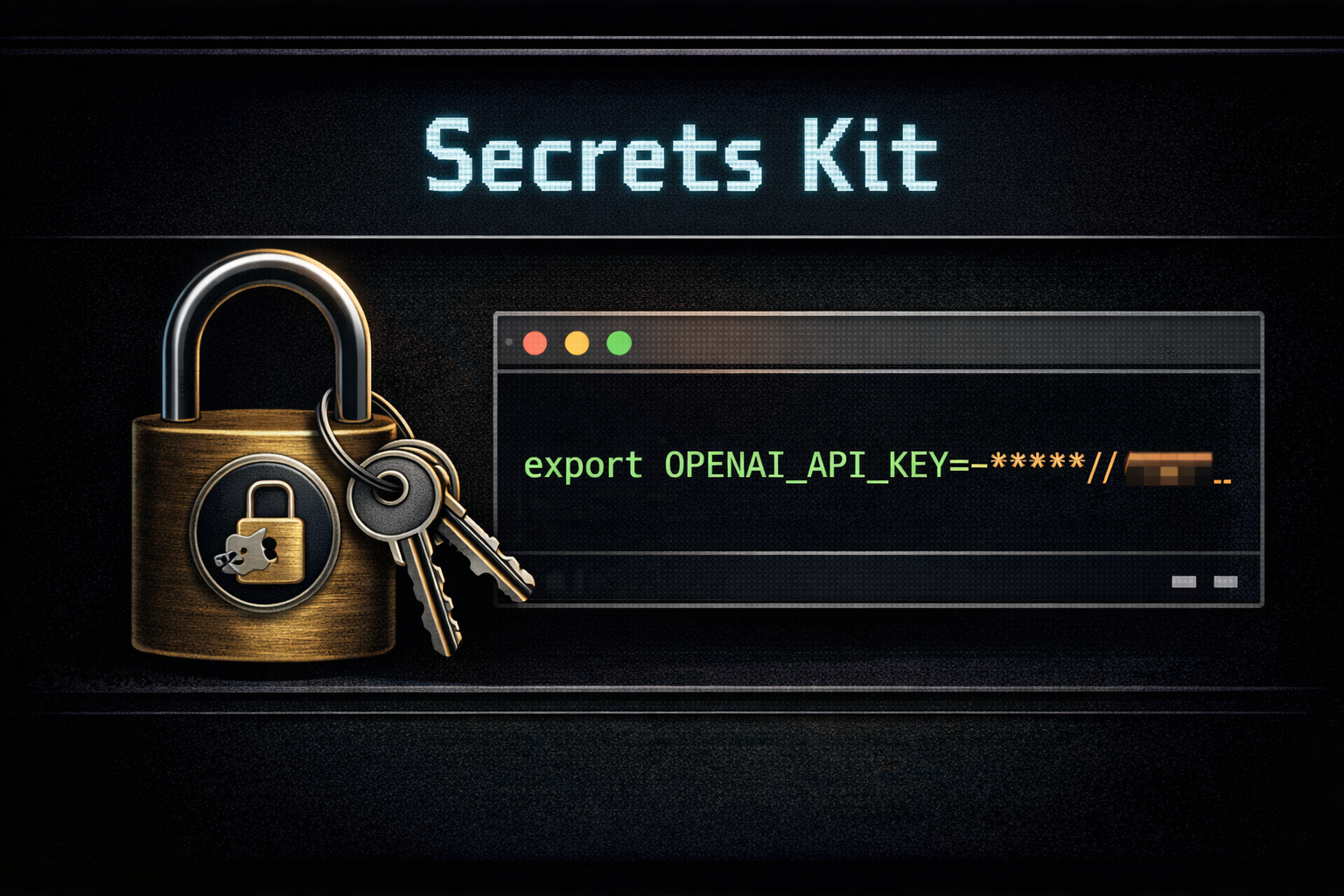
If you have ever looked across a machine and realized the same API key is living in a .env file, a shell startup script, a copied command, and some forgotten project directory all at once, then you already understand why Secrets Kit exists.
Secrets Kit is a local macOS command-line tool for handling tokens, passwords, PII, and other sensitive values in a way that is more disciplined than plain-text sprawl but still practical for real day-to-day workflows.
The basic idea is straightforward. Store secret values in the macOS login Keychain. Keep metadata in a local registry. Export environment variables only when the current shell or runtime actually needs them. It is not a glamorous idea, but it solves a very common and very real local operations problem.
Why This Tool Exists
Secrets spread by accident.
For a lot of developer and AI workflows, secrets spread by accident. A token lands in a .env file because it is quick. Then it also ends up in ~/.bashrc or ~/.bash_profile because something needs it globally. Then it gets copied into a setup note, a startup script, or a temporary command someone meant to clean up later. None of that feels dramatic in the moment, but it is how sensitive values end up committed to GitHub, left behind in archives, or exposed to whatever script happens to read the wrong directory.
Secrets Kit is meant to make that pattern less casual and less dangerous.
It does that by giving local operators and developers a cleaner workflow:
- store secrets in Keychain instead of plain-text files
- track them with minimal local metadata
- export values only into the shell that needs them
- migrate
.envfiles to placeholders instead of leaving raw values behind
That is the whole point. It is not trying to become a giant platform. It is trying to be a better local habit.
What It Is and What It Is Not
Secrets Kit helps reduce accidental exposure. It does not guarantee safety.
It is not a hosted secret manager. It is not a vault service. It is not a guarantee against a compromised machine, a hostile local session, or any downstream process you choose to launch after exporting environment variables.
It also does not collect your secret information for some outside service, and it does not store your keychain password. Under the hood, it is a thin wrapper around the macOS security command with a local metadata layer and some practical workflow tooling around it.
That matters because it sets the right expectation. Secrets Kit is not promising magic. It is offering a materially better workflow than leaving tokens and passwords all over the filesystem in plain text.
Where It Fits
This is a tool for people running local stacks that still depend on environment variables: agent runtimes, development servers, shell-driven automation, local UIs, and project workflows that need credentials at launch time but do not need those values committed into a repo or copied into a startup file forever.
It is also useful when you are trying to clean up an existing machine. If secrets are already scattered through .env files and project directories, the migration and export flows give you a reasonable path toward something more controlled without forcing you to rebuild your entire workflow from scratch.
Why It Matters
The local machine is where a lot of otherwise careful security habits break down. People know better than to paste secrets into public docs or commit them to GitHub intentionally, but local convenience is where the shortcuts happen. That is exactly the gap Secrets Kit is trying to narrow.
It is not a complete answer to local security, but it is a practical improvement. In most real environments, that matters more than pretending a plain-text .env file is good enough because it is familiar.
Learn More
The repository and documentation are here:
If you want the project overview rather than the dated launch write-up, start here instead:
Support This Work
If this project is useful and you want to help support more work like it, you can contribute here:
Join the Discussion
Comments for this post live in GitHub Discussions. That keeps moderation in one place and gives the conversation a stable home.